Create an app with Rider
Note
Make sure to setup your environment by following our instructions.
Important
As of Rider 2023.1, .NET 8 for mobile targets is not supported. To build and run mobile apps, use .NET 7 in your TargetFrameworks. See this JetBrains article for more details.
Create the App
Creating an Uno Platform project is done using dotnet new by following these steps:
In your terminal, navigate to the folder that will contains your new app.
Create a new project:
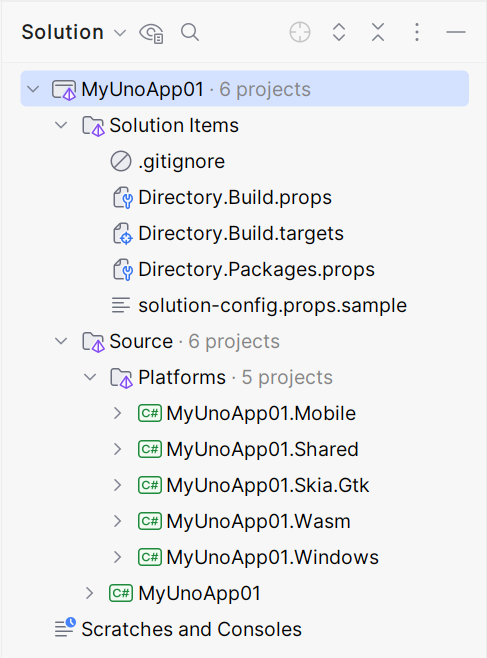
dotnet new unoapp --preset=blank -tfm net7.0 -o MyAppYou should now have a folder structure that looks like this:
Debug the App
Set Android as your startup project. Run.

Note
Whether you're using a physical device or the emulator, the app will install but will not automatically open. You will have to manually open it.



Next Steps
Now that you're Created and Debug the App.
Learn more about: